E-INVOICE VIEWER
Free online e-invoice viewer
Upload your e-invoice, view it in a clear, readable format and download a PDF copy.
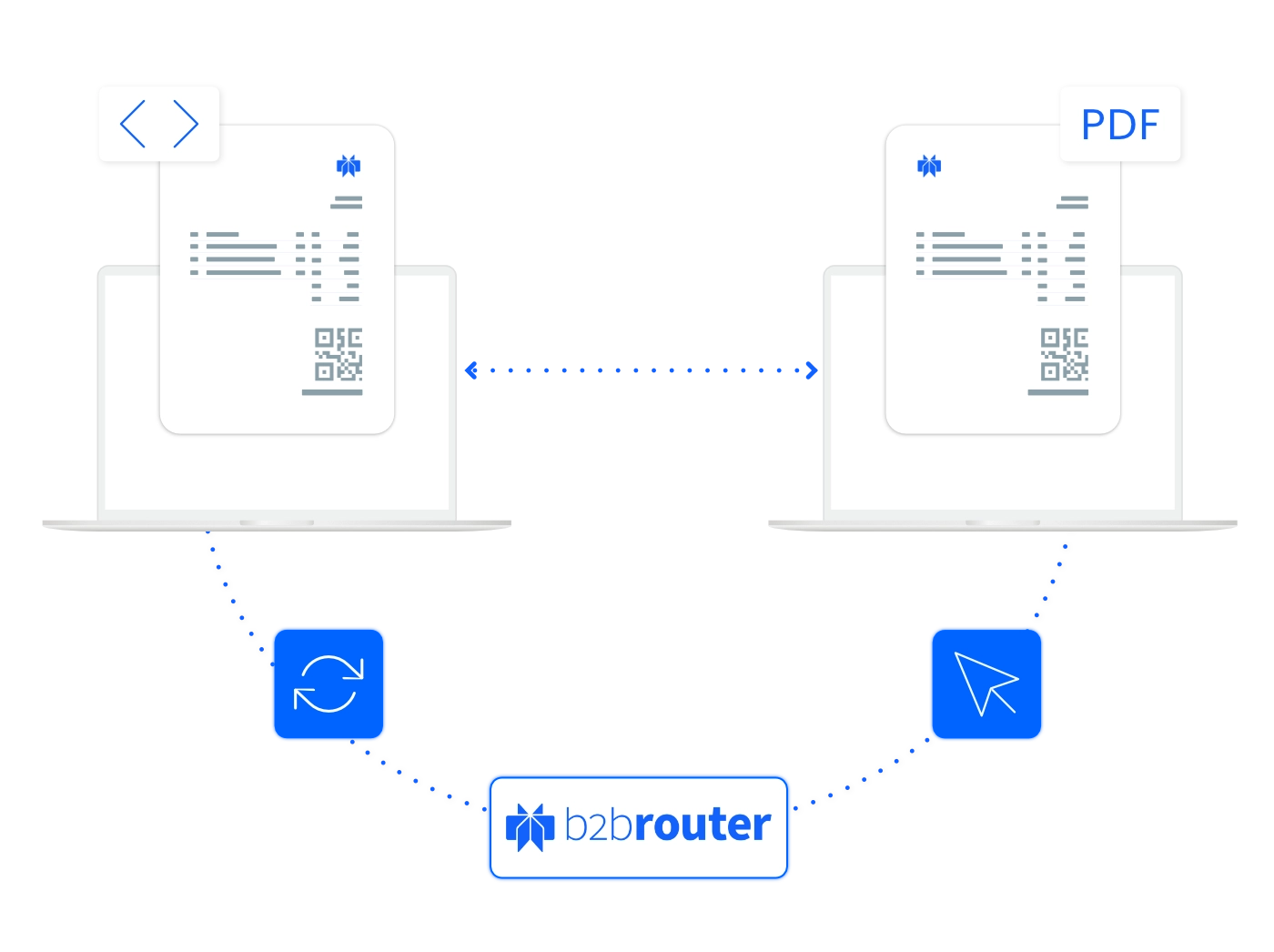
How does the e-invoice viewer work?
1. Upload your e-invoice
Select the structured e-invoice file you want to open from your device and upload it.
2. View and check the details
B2Brouter displays the invoice in a readable format and highlights any detected structure or syntax errors.
3. Download your PDF
Need a PDF copy? Create a free B2Brouter account to download your invoice. Both registration and the download are free.
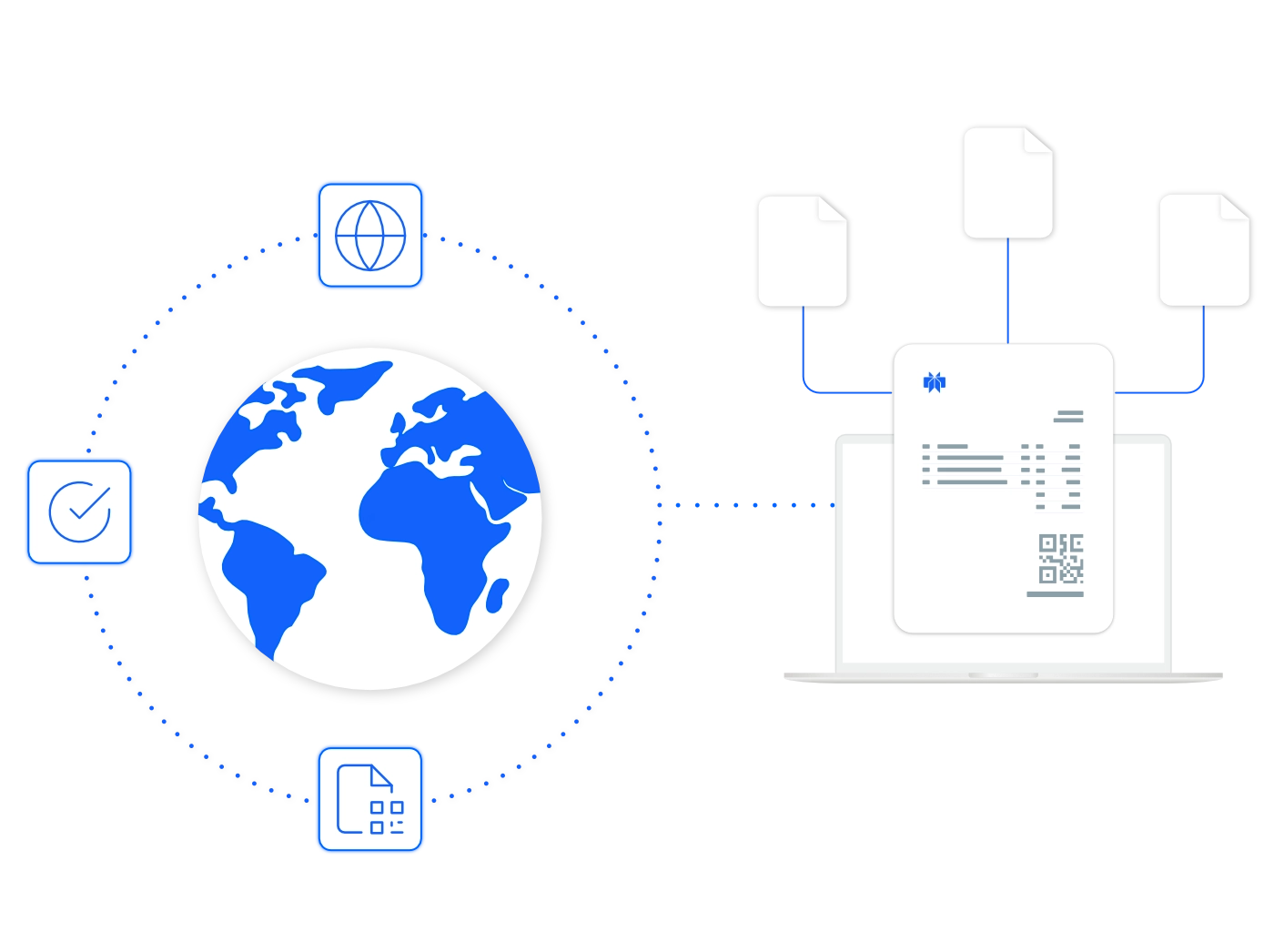
View and validate multiple e-invoice formats
Open structured invoices in a clear, readable format and check their syntax and business rules. All with the same online tool.
- UBL & CII: Universal Business Language and Cross Industry Invoice.
- Peppol: Peppol BIS and PINT profiles for Japan, Singapore, Malaysia and Australia/New Zealand.
- European formats: ZUGFeRD, XRechnung, Factur-X, FacturaE, Svefaktura, FatturaPA and eSPap.
- EN 16931: Validation against supported Core Invoice Usage Specifications (CIUS).
How does the e-invoice viewer work?
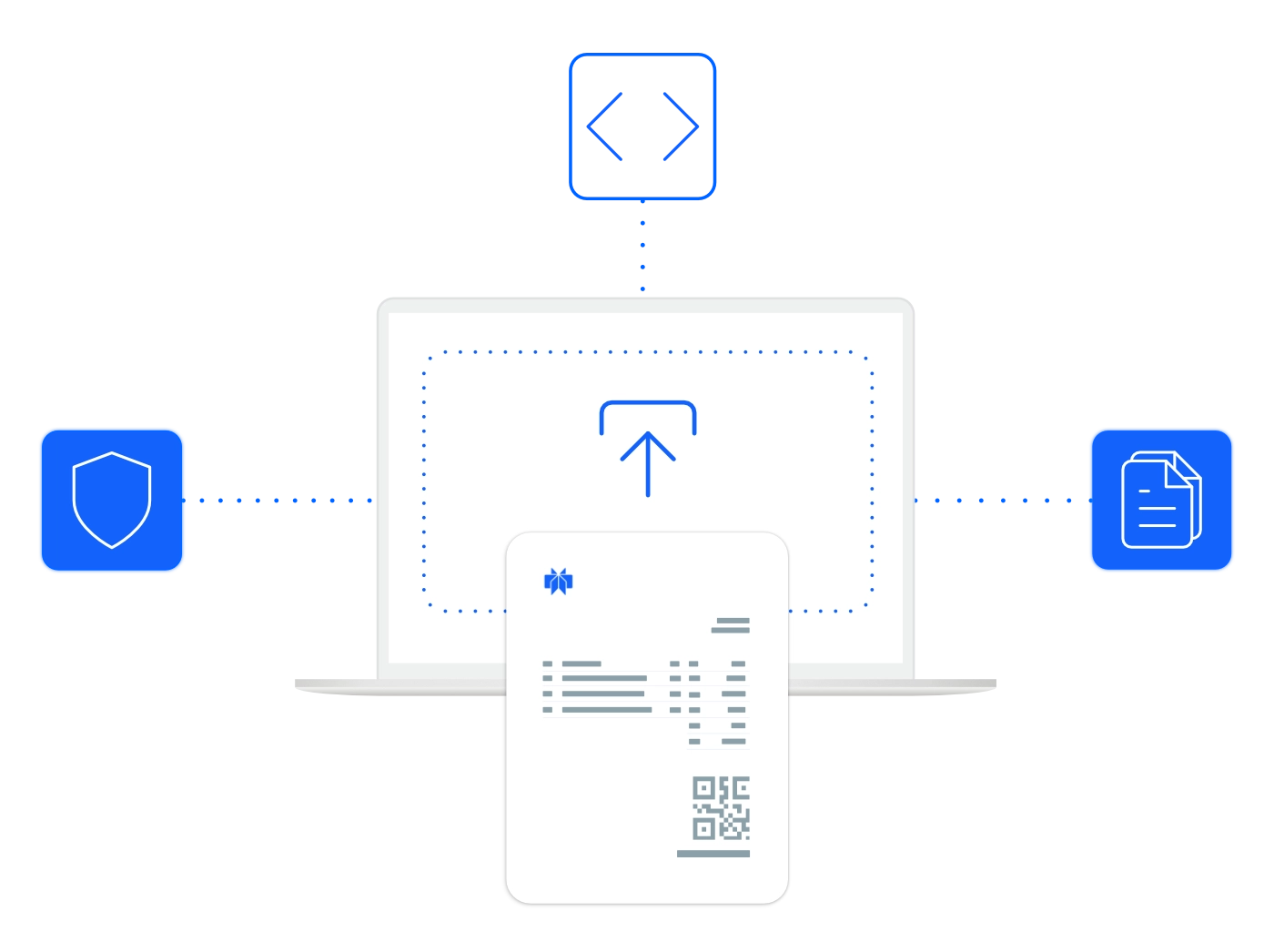
Access the e-invoice viewer clicking on this link and upload the file from your device.
B2Brouter displays the invoice in a readable format, validates it and highlights any detected structure or syntax errors.
Need a PDF copy? Create a free B2Brouter account to download your invoice. Both registration and the download are free.
Send, receive and manage e-invoices in one place
Need more than a viewer? Create your invoices online or connect B2Brouter to the software you already use.
Start for free
Create, send and recieve e-invoices with B2Brouter’s free Basic plan, directly from your browser.
Keep your current ERP
Connect your software or ERP to B2Brouter and handle e-invoicing from your usual workspace.
Leave the format to us
Enter your invoice details. B2Brouter converts them into the electronic format your recipient needs.
Invoice across borders
Work with customers and suppliers internationally through a platform connected to local and global e-invoicing networks.
FAQs
No, registration is not required. You can use the tool freely and instantly, directly from your browser.
Not really. Structured files are XML-based and structured for machines, not humans. While you can technically open them in a text editor, the data will appear messy and unreadable. That’s why our e-invoice viewer is so helpful—it shows the content in a clean, readable format.
Yes. Simply upload the file and the viewer will identify if it’s supported. If not, we’ll provide guidance on what to do next.
No installation needed. The e-invoice viewer is a web-based tool that works directly from your browser. Just upload your structured file and view it instantly.
The viewer supports standard UBL formats, including:
- UBL 2.0 / 2.1 / 2.3
- Peppol BIS 3
- XRechnung
- PINT
- Svefaktura
- Factur-X and more.
Yes. In addition to displaying the invoice, the viewer checks the XML structure and syntax for errors, helping ensure your document is compliant with common standards.
If the viewer detects structural or syntax issues, it will highlight them. This is helpful for developers, invoice issuers, and recipients to troubleshoot before sending or processing the document.
Yes. Upload your file to view the invoice online and check any detected errors. To download a PDF copy, create a free B2Brouter account. The download is also free.
Certifications
B2Brouter is certified with the ISO 27001 standard on information security management, certified as a Peppol Access Point Service Provider and a member of the EESPA.