B2Brouter connector for Claude
Ask Claude about your e-invoicing data
Connect Claude to your live B2Brouter account and get quick answers about your invoices, payment statuses and tax reports.
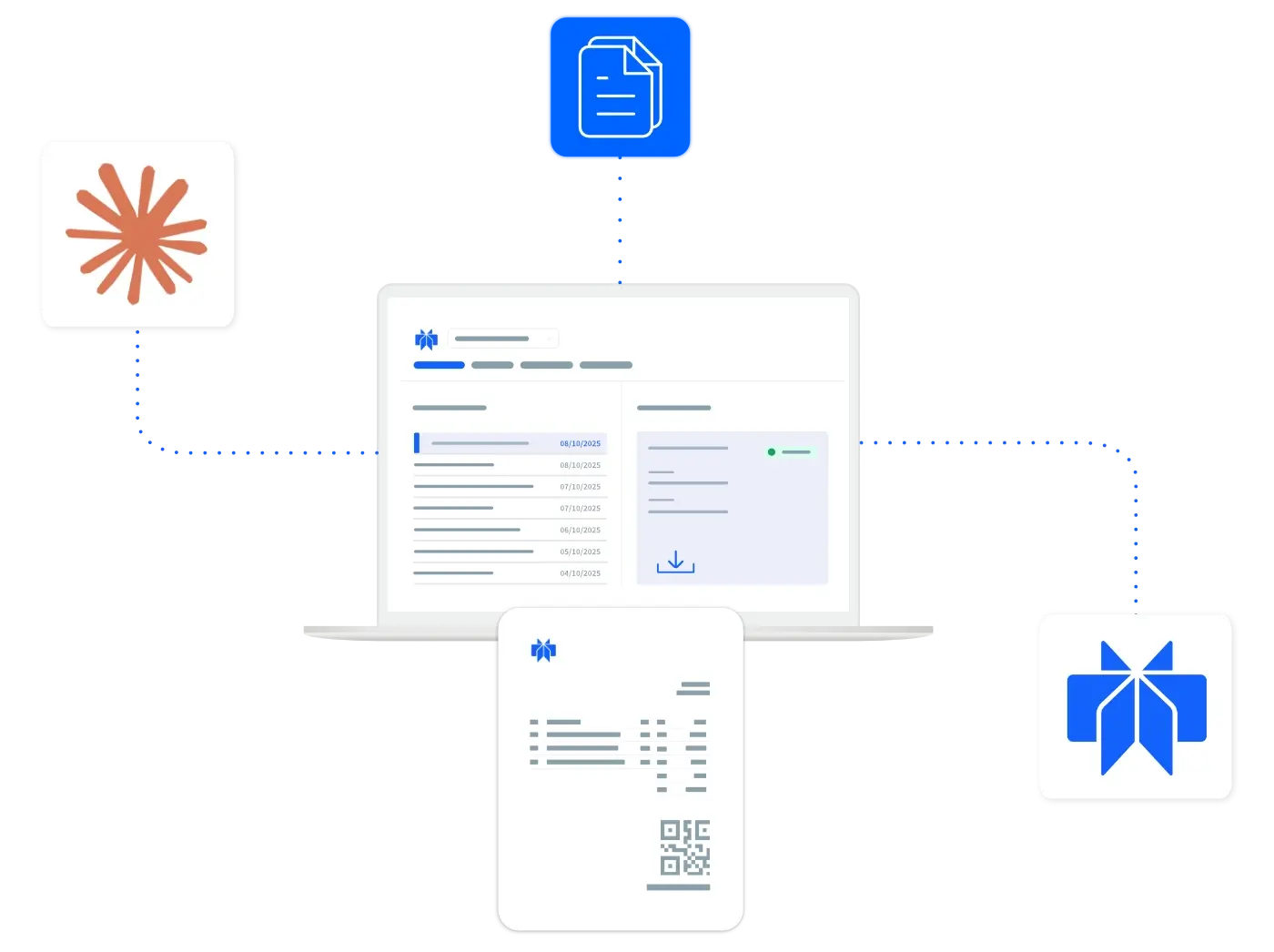
Just ask Claude
No need to search through menus, filters or documentation. Ask Claude in your own words.
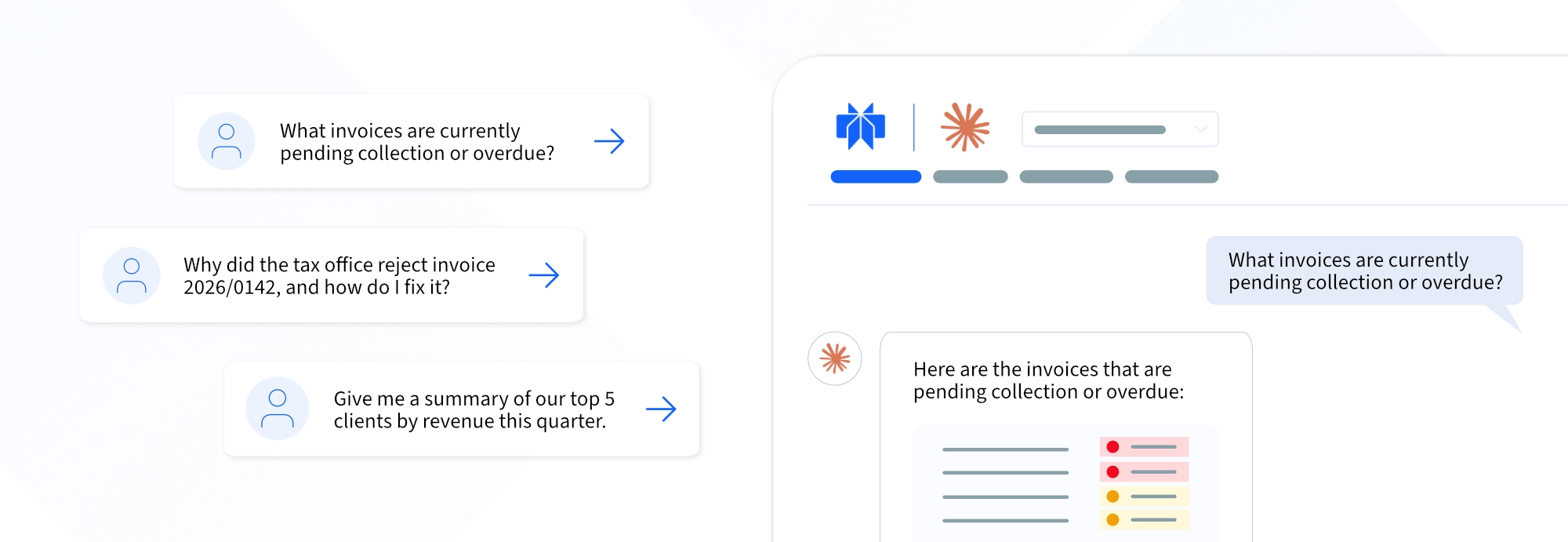
What can you ask Claude?
Connect Claude to B2Brouter and use natural language to find information, understand errors and get answers from your account.
Find your invoices
Search invoices by status, number or period and quickly find rejected, unpaid or overdue invoices.
Understand invoice errors
Inspect invoice details, check validation errors and understand what needs to be corrected.
Track tax reports
Check the status of your tax reports and understand rejection messages from the relevant tax authority.
Get business insights
Ask about revenue, expenses, pending or overdue amounts, monthly trends, and your top customers or suppliers.
Find the right delivery channel
Check how a company receives electronic documents and find the required channel and routing codes.
Ask about B2Brouter
Get answers based on B2Brouter’s official user, developer and tax authority documentation.
CONNECTED TO B2BROUTER
Real answers from your real data
Claude uses two sources of information to answer your day-to-day questions with context:
- Your live account data: Your invoices, payment statuses, and tax reports as they appear in B2Brouter right now.
- Official e-invoicing knowledge: Up-to-date documentation on tax regulations such as VeriFactu, TicketBAI, DGFiP, KSeF, SDI and Peppol, helping turn technical errors into understandable next steps.
SAFE BY DESIGN
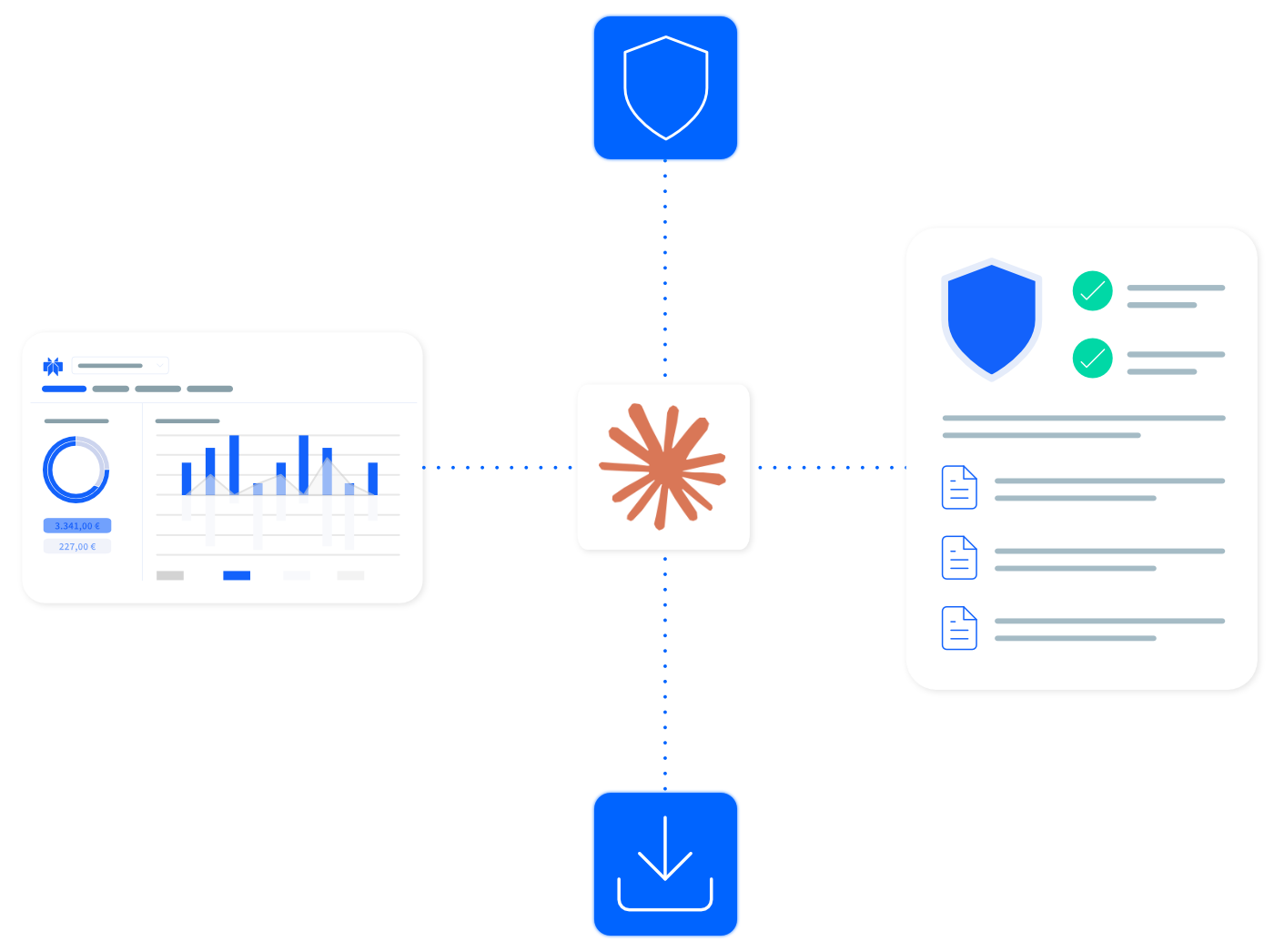
Claude can consult your data, not change it
- Read-only by design
Claude cannot create drafts, delete records, modify numbers or trigger legal tax submissions. Any action is still completed by you in B2Brouter - Your account, your permissions
Claude only sees what your B2Brouter user account is authorized to access. - Complete activity traceability
Every query Claude makes is tracked and available under Profile → MCP Activity.
How to set it up
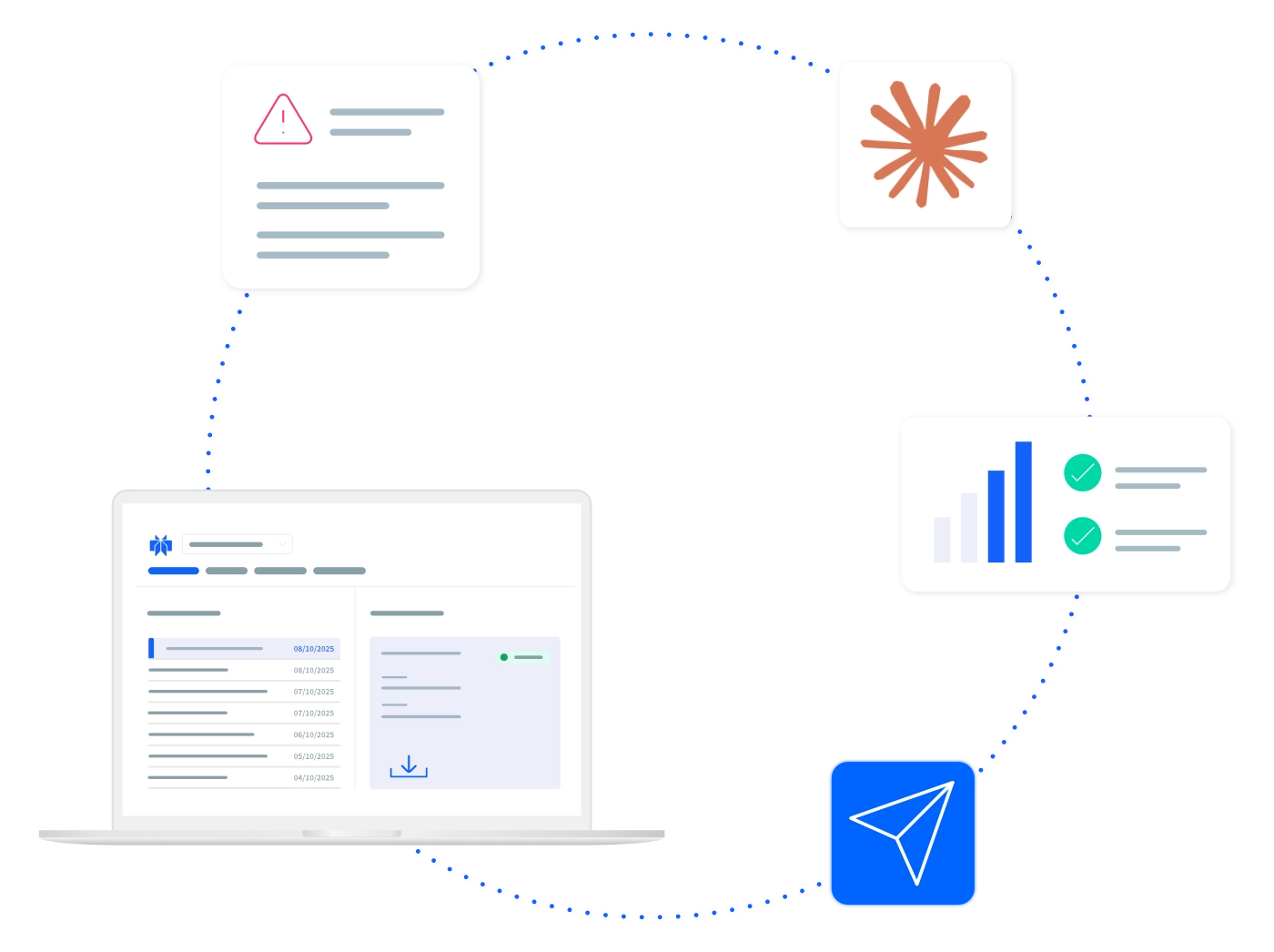
No code, API keys or technical configuration required.
In Claude (web, desktop, or mobile), search for B2Brouter in the connectors list. You can also addhttps://app.b2brouter.net/mcpmanually.
A secure B2Brouter window will open. Sign in with your usual B2Brouter email and password, then click Accept to authorize Claude to query your data.
Return to Claude and ask your questions naturally. Claude will use B2Brouter whenever it needs information from your account.
Built for your day-to-day work
Business owners & managers
Get quick snapshots of revenue, expenses and monthly performance through conversation.
Finance & administration teams
Get fast answers to billing queries, check payment states and unblock delayed invoices without digging through lists and filters.
Accounting firms & tax advisors
Review the tax status of multiple client companies and understand complex tax agency error codes faster.
Have other needs? Let’s talk about your business!
Whether you are looking for an integration or another B2Brouter solution, our team can help.
FAQs
No. You connect using your personal B2Brouter account and authorize Claude through a secure login. No API key or technical configuration is required.
No. The connector is strictly read-only. Claude cannot create, modify, send or delete invoices or documents, or trigger tax submissions. Any action still needs to be completed in B2Brouter or through the API by you.
You need a B2Brouter account with an active paid subscription to use the connector. Access to invoices, tax reports and financial summaries requires the Professional plan or higher. Check our subscriptions!
Yes. Claude can access all the B2Brouter accounts where your user is a member, always respecting your existing permissions. You can start by asking “What B2Brouter accounts do I have?” and then refer to each account naturally in the conversation.
No. The B2Brouter connector can be used with any Claude plan, including the free plan. You only need an eligible paid B2Brouter account.
Claude can only access the accounts and sections your B2Brouter user already has permission to view. Connecting Claude does not give it any additional access to your account.
Yes. You can revoke Claude’s access at any time from Profile → Authorized applications in B2Brouter. You can also remove the connector directly from Claude.
Certifications
B2Brouter is certified with the ISO 27001 standard on information security management, certified as a Peppol Access Point Service Provider and a member of the EESPA.